
Code
Adds a Code editor in the Makeswift builder to visually edit a string of source code, with syntax highlighting.
Params
Text for the panel label in the Makeswift builder.
The description shown in the Panel of the Makeswift builder. This can be written in Markdown format.
Added in v0.24.8.
The value passed to your component when nothing is set in the Makeswift builder.
Prop type
The Code control passes an object of shape { value: string } to your component, where value contains the source code as a string. If you don’t set a defaultValue and no value is set in the builder, your component receives undefined.
Editor
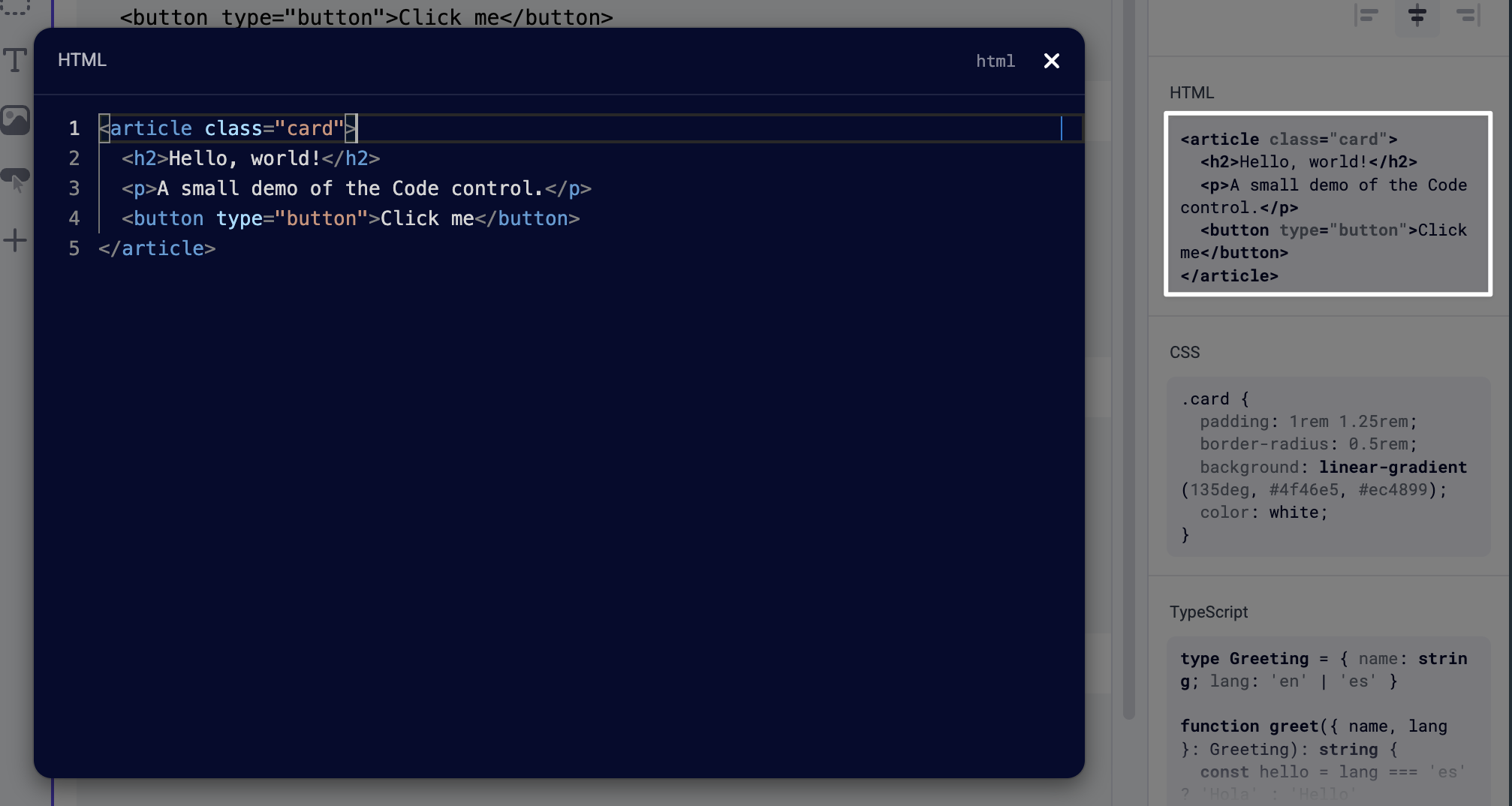
The Code panel opens a full-screen editor powered by Monaco (the editor used in VS Code). Syntax highlighting is applied automatically — the editor detects the language from the content rather than exposing a language picker. Detection covers common languages including JavaScript, TypeScript, HTML, CSS, JSON, YAML, Markdown, Python, Ruby, Go, Rust, Java, PHP, SQL, shell, and others. When the language can’t be confidently detected, the editor falls back to plaintext.
Example
The following example adds a Code control to the snippet prop of a CodeBlock component.
.makeswift.ts is a naming convention for organizing Makeswift registration code. Learn more.