
Introduction
Makeswift is a composable visual page builder designed to unlock speed and creativity for marketing teams.
With Makeswift, you can quickly build fully functioning websites with no-code. You have the ability to create pages, design layouts, manage colors and text styles, and publish your site for the world to see.
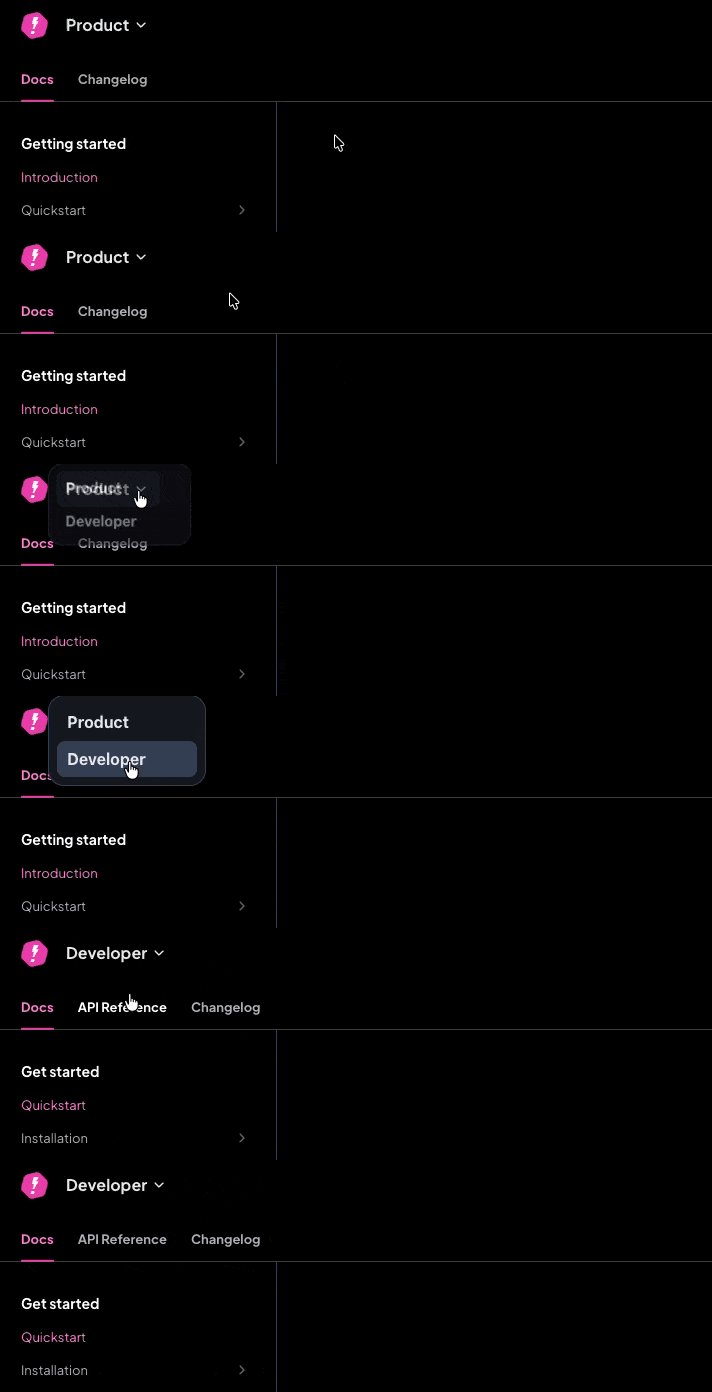
Looking for developer docs? Use the product switcher in the header to navigate between Product and Developer docs.
Default vs custom host
Makeswift provides a free default host which allows you to publish your site without managing any of the hosting. This is the quickest way to get started.
For more advanced use cases, though, you can integrate Makeswift into a Next.js project that you deploy and host yourself. This is referred to as a custom host. By doing this, you can create custom components, integrate data sources, and have full control over your hosting.
For full details on how to integrate Makeswift into a Next.js project, refer to the Developer Quickstart.