
Slider
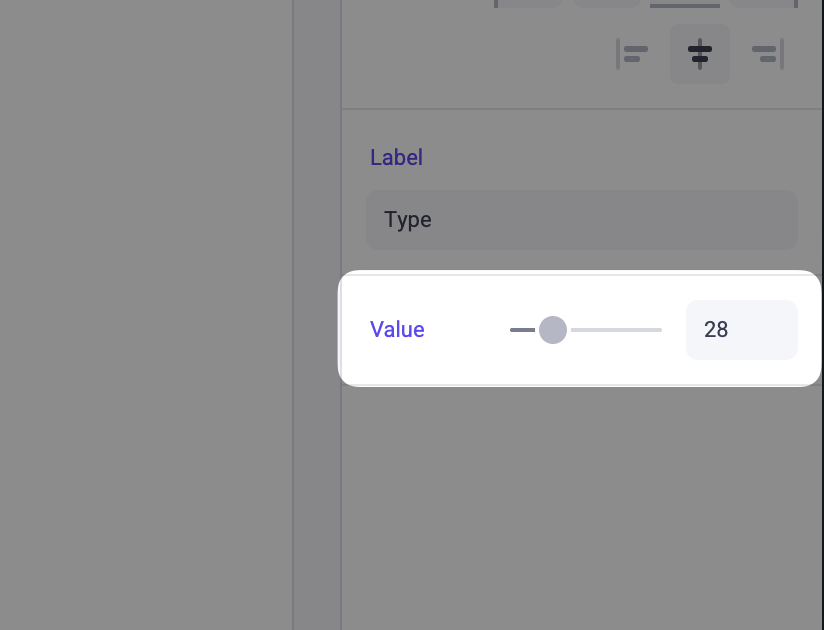
Adds a Slider input in the Makeswift builder to visually edit a number prop.
Params
Text for the panel label in the Makeswift builder.
The description shown in the Panel of the Makeswift builder. This can be written in Markdown format.
Added in v0.24.8.
The value passed to your component when nothing is set in the Makeswift builder.
The smallest number that can be set in the panel slider.
The largest number that can be set in the panel slider.
The increment amount when dragging the slider or using the input.
When true, displays a numeric input field alongside the slider.
Prop type
The Slider control passes a number to your component. If you don’t set a defaultValue and no value is set in the builder, your component receives undefined.
Example
.makeswift.ts is a naming convention for organizing Makeswift registration code. Learn more.