For AI agents: a documentation index is available at the root level at /llms.txt and /llms-full.txt. Append /llms.txt to any URL for a page-level index, or .md for the markdown version of any page.
Sign in
DocsChangelog
DocsChangelog
  • Getting started
    • Introduction
  • The Visual Builder
    • Builder basics
    • Pages
    • Layouts
    • Elements
    • Components
    • Theming
    • Files
    • Responsive design
  • Guides
    • Previewing and sharing
    • Publishing
    • SEO
  • Settings
      • Settings
      • Colors
      • Text styles
      • Hosting
      • Domains
      • Snippets
      • Redirects
      • Sitemaps
    • Developer docs
    • Blog
    • Support
Sign in
LogoLogo
On this page
  • Default host
  • Custom host
SettingsSite

Hosting

Was this page helpful?
Previous

Text styles

Next

Domains

Built with

Hosting refers to where your website app instance is located. You can either use Makeswift’s default host or create your own custom host. You’ll choose which to use when logging into Makeswift for the first time or when creating a new site in a workspace.
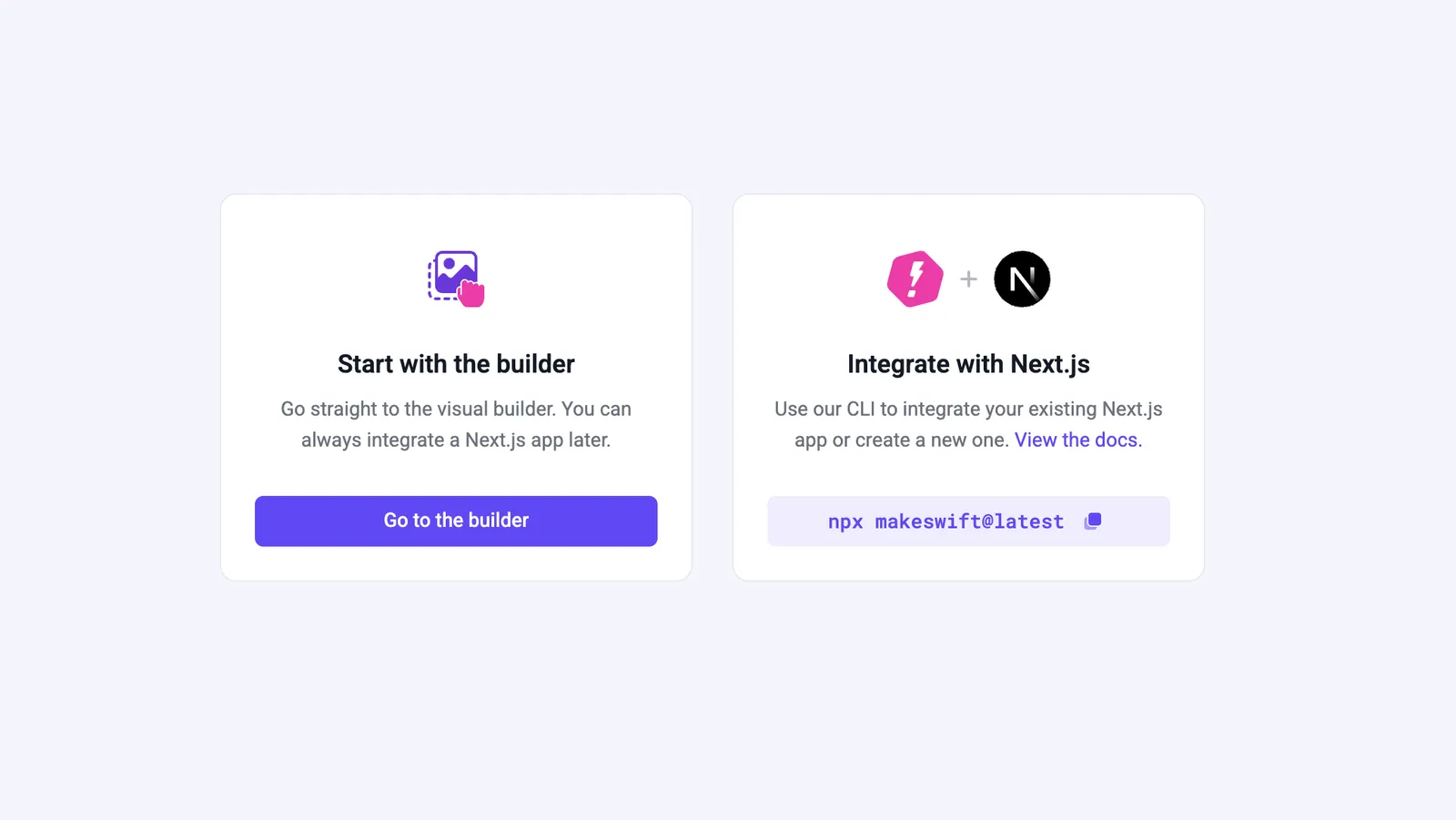
hosting options

Each site within a workspace can be with the default host or a custom one.

Default host

Makeswift offers free hosting, allowing you to start building without the need for setting up your own custom host. This lets you dive into the Makeswift builder and start using stock components.

You can still connect a custom domain with default hosting, but you may encounter limitations with other features.

Default HostCustom Host
Custom Domain✅✅
Snippets✅✅
Builder Access✅✅
Custom API’s✅
Localization✅
Integrations✅
Custom Components✅

Custom host

Setting up a custom host gives you full flexibility with Makeswift. You can use features such as localization, custom breakpoints, and adding custom components.

For help setting up a custom host visit our developer docs.