For AI agents: a documentation index is available at the root level at /llms.txt and /llms-full.txt. Append /llms.txt to any URL for a page-level index, or .md for the markdown version of any page.
Sign in
DocsChangelog
DocsChangelog
  • Getting started
    • Introduction
  • The Visual Builder
    • Builder basics
    • Pages
    • Layouts
    • Elements
    • Components
    • Theming
    • Files
    • Responsive design
      • Width
      • Margin
      • Padding
      • Alignment
      • Backgrounds
      • Corners
      • Borders
      • Animations
      • Gap
      • Shadows
      • Height
      • Visibility
  • Guides
    • Previewing and sharing
    • Publishing
    • SEO
  • Settings
    • Developer docs
    • Blog
    • Support
Sign in
LogoLogo
On this page
  • Pro tips
The Visual BuilderPanels

Height

Was this page helpful?
Previous

Shadows

Next

Visibility

Built with

Height allows you to set the height of a Box to be driven by its content or to stretch to match the tallest element in the same row.

By default, the height of a Box is set to be driven by its content using auto. Alternatively, you can select Stretch which will automatically stretch the height of a box to match the tallest element found in the same row.
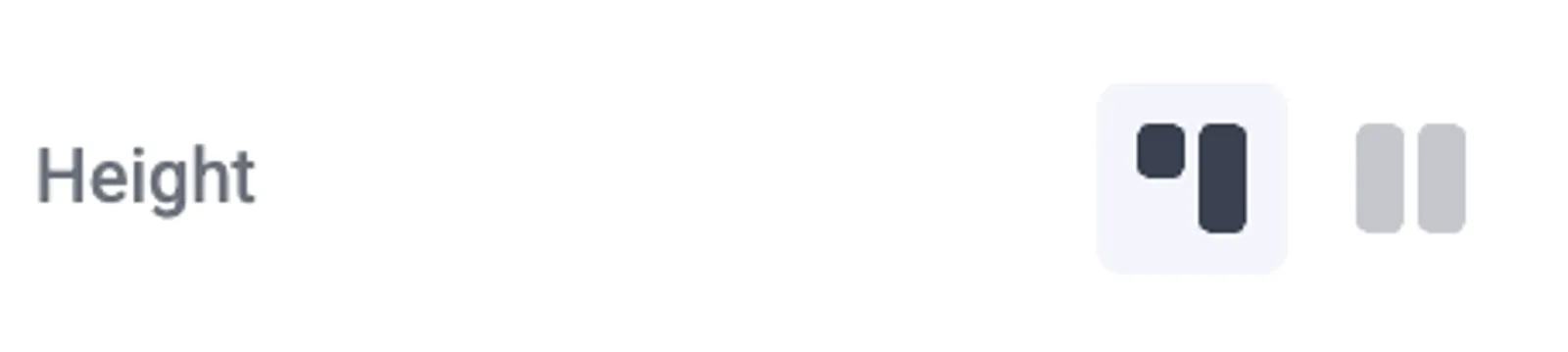
Height panel in Makeswift

Pro tips

We suggest selecting stretch for elements like cards or grids where you want to ensure a consistent height across all elements. This will help to create a cleaner and more organized layout.
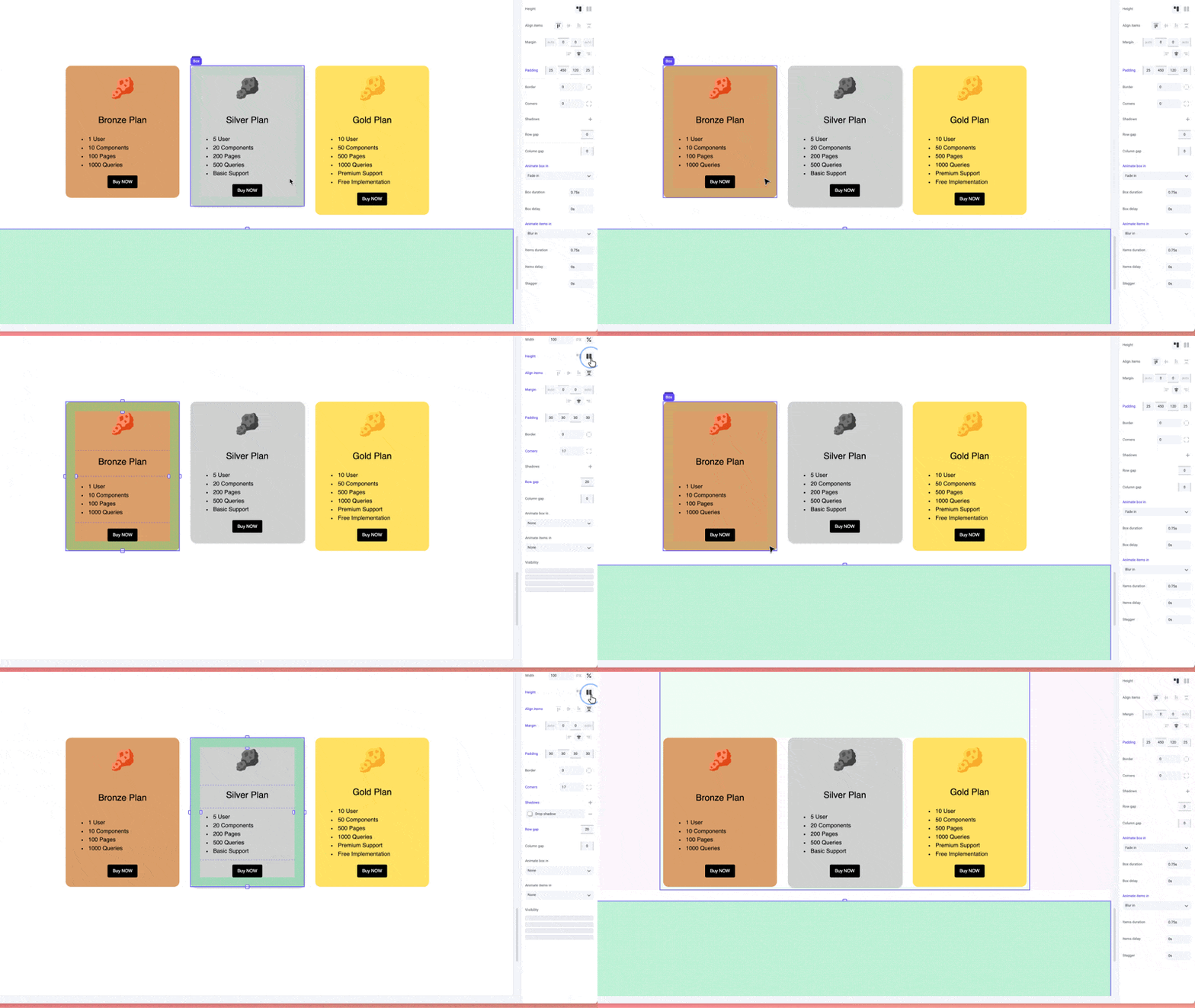
Stretch vs auto